The Framework for the Agentic Era
Works with Claude Code, Cursor, Codex, OpenCode, Gemini CLI, Copilot, etc.
1import { app } from "@wasp.sh/spec";23export default app({4 name: "mySaasApp",5 wasp: { version: "^0.24.0" }6});
Your AI has a plan
Wasp gives your agent a clear structure to follow: where code goes, how things connect, and what patterns to use. No guessing, no decision fatigue.
Learn moreIt's got skills
Plugins and Agent Skills for your coding tool of choice turn your agent into a Wasp expert.
Learn moreFocus on the fun stuff
Login, database, email, background jobs, etc. Wasp handles it all so your agents can focus on your app's unique features.
Learn moreSave Tokens and Money
Wasp reduces the amount of code you and your agent need to read and write, so you spend less on LLM tokens.
Learn moreDeploy to any platform
Other frameworks tie you to their expensive platforms and pricing. Wasp lets you deploy anywhere easily.
Learn moreEverything. Integrated.
Wasp is truly full-stack, from front-end to database and deployments. No fumbling through multiple tools and services.
Learn moreVibe. Ship. SaaS.
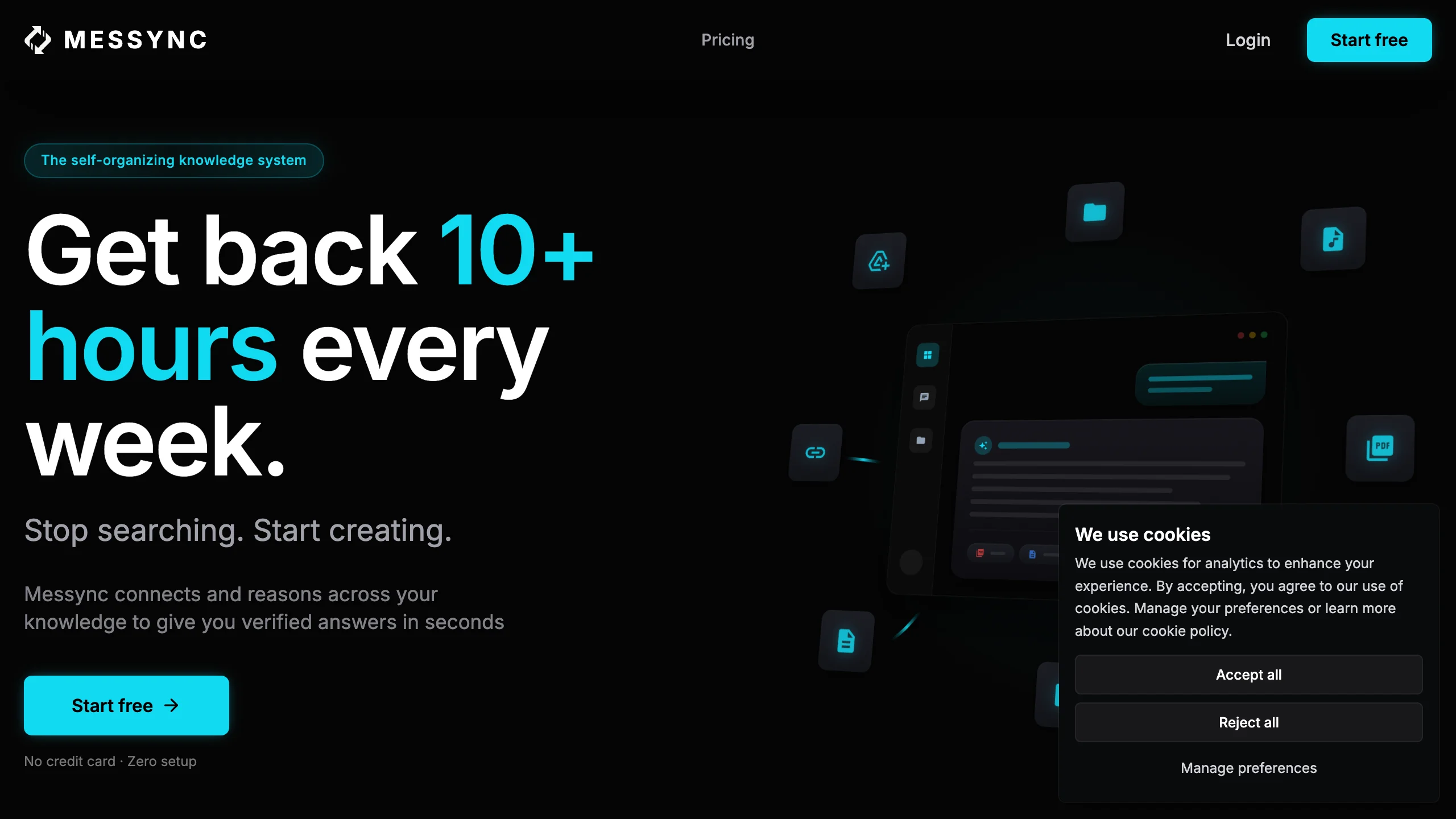
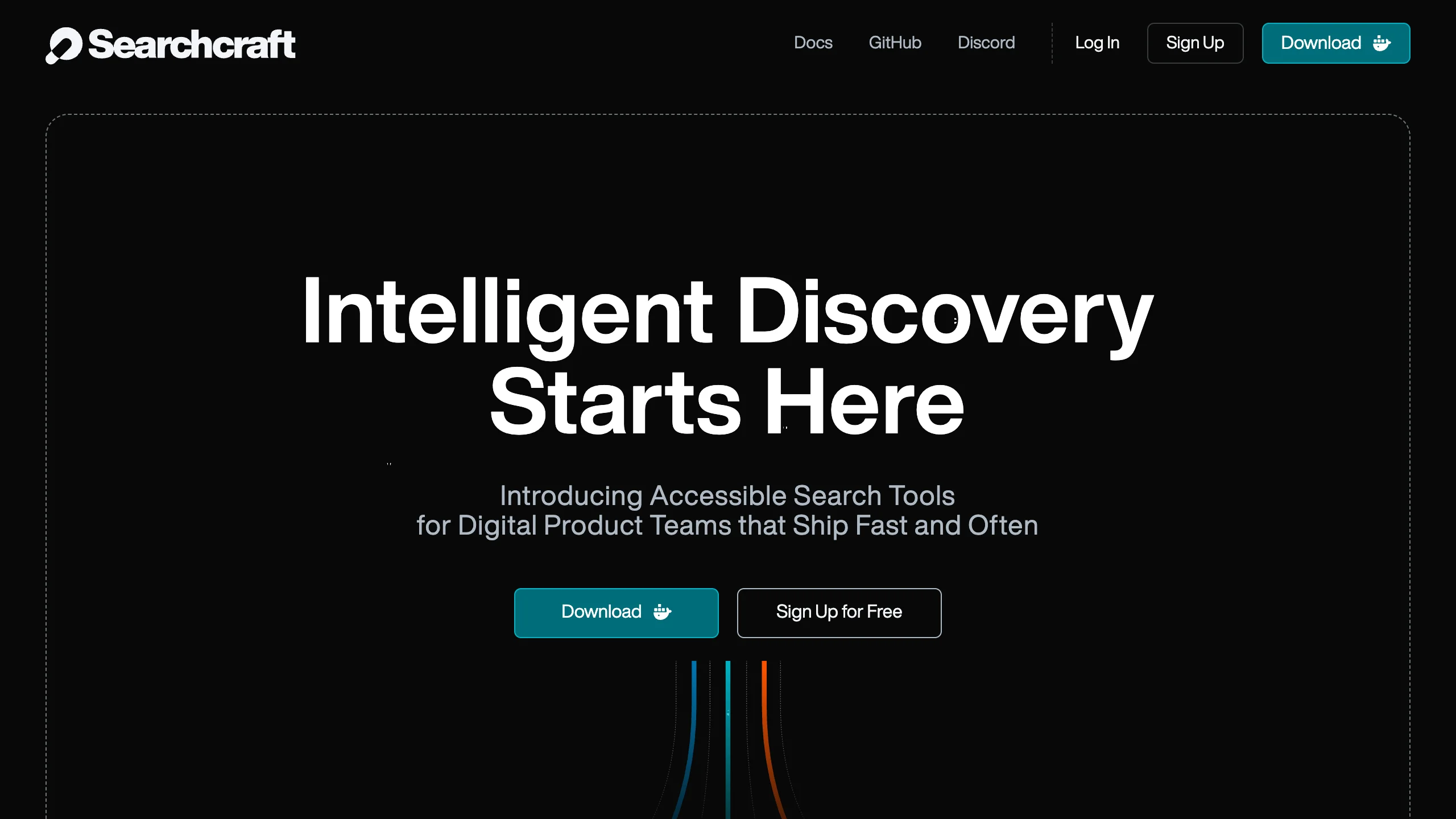
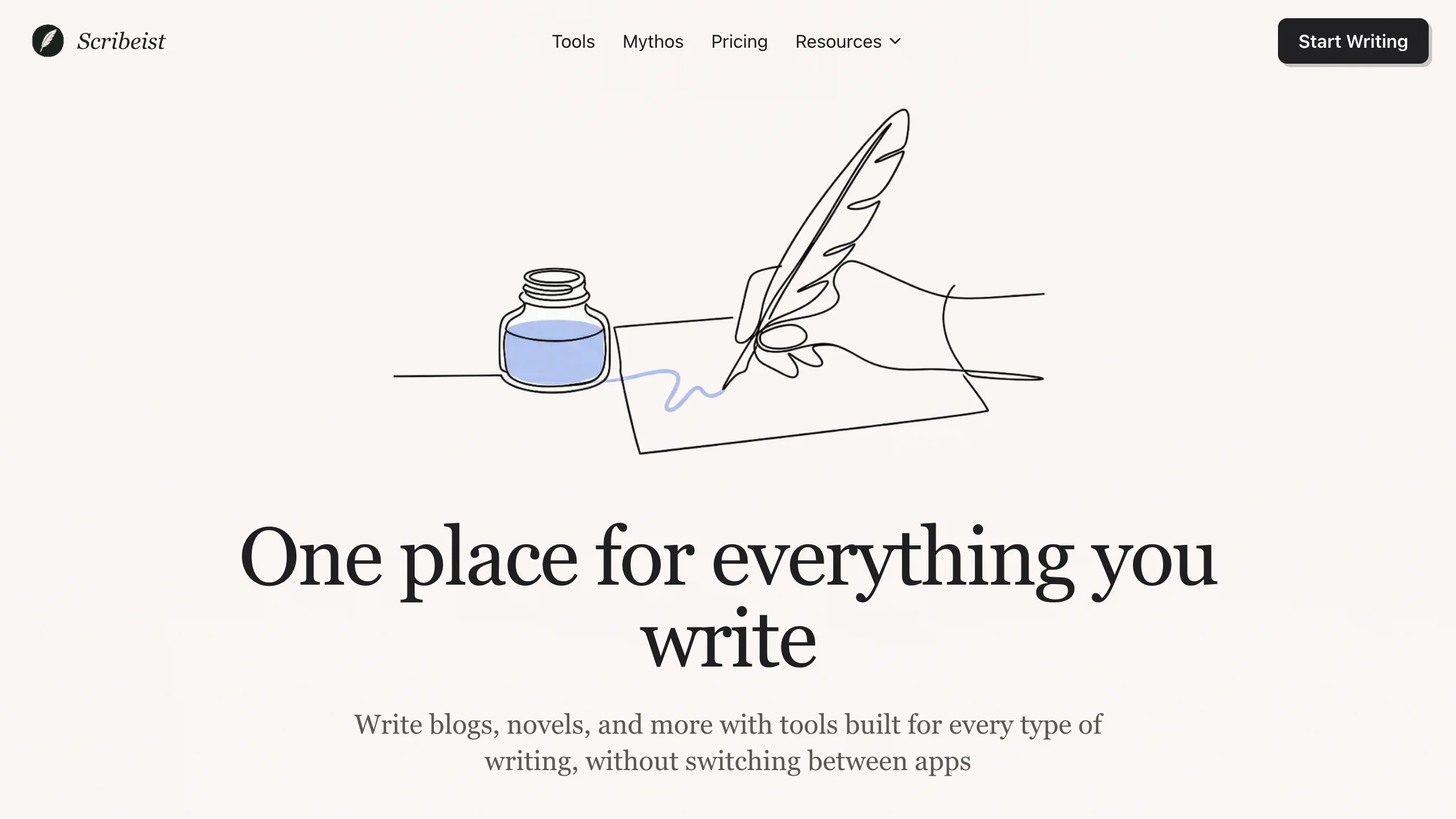
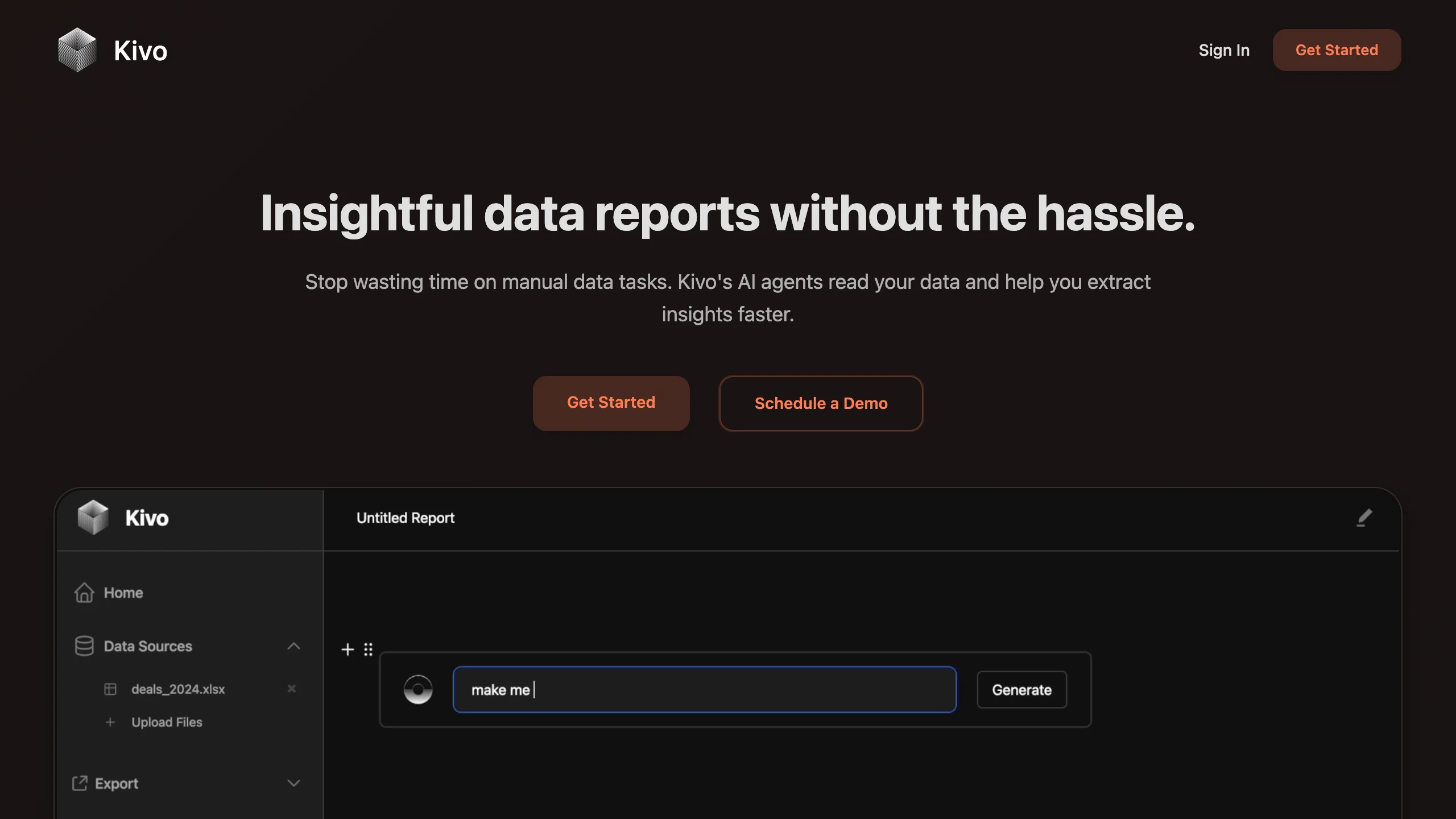
Real businesses shipped by the community on top of Wasp.
What Vibe Coders Are Saying
Real users building real products with Wasp + AI coding tools.

Marcel Coetzee
Data Analyst & Founder @ MoonCoon & Hireveld

Kenny Rogers
Dev Rel & AI-First Educator

TK Garrett
Founder @ PlotTree

Hrvoje Pavlinovic
Senior Software Engineer & Agency Owner

Robbie Artress
Audio Engineer & Founder of PeakMastering.com

Leo Golubyov
Founder @ messync.com

Join our active community of 4.5k+ builders

Three easy steps.
Install Wasp
% npm i -g @wasp.sh/wasp-cli@latestAdd agent skills
% npx skills add wasp-lang/wasp-agent-pluginsDescribe what you want
% Create a new Todo app with email login and a Postgres dbGet more done for less money.
Next.js vs. Wasp: same app, same prompt, same model. Big difference.
Everything your app needs, built in
- Full-stack Auth
- Automatic CRUD
- Typesafe Operations
- Wasp Spec
- Background Jobs
- LLM-friendly Docs
- One-command Deploy
- Human-reviewable Output
Google, Slack, email login, etc. Just say which ones you want. Wasp sets it all up and even handles the UI for you.
Describe your data and Wasp creates all the basic create, read, update, delete operations automatically.
Your frontend and backend safely talk to each other automatically. No need to wire API endpoints and full-stack type safety by hand.
Your app config is written in TypeScript, a safe choice your AI already speaks fluently.
Need something to run on a schedule? Just describe when and what. Wasp handles the rest without relying on expensive third-party services.
Wasp provides special documentation files optimized for AI, so your agent always has the best context.
When you're ready to go live, one command gets your app deployed to your favorite platform. No DevOps degree needed.
Because Wasp uses consistent patterns, the code your AI generates is easy to read and review (for humans and AI).
The Wasp Difference
1import passport from "passport";2import { Strategy as GoogleStrategy } from "passport-google-oauth20";3import session from "express-session";4import RedisStore from "connect-redis";5import csrf from "csurf";67app.use(session({8 store: new RedisStore({ client: redisClient }),9 secret: process.env.SESSION_SECRET,10 resave: false,11 saveUninitialized: false,12 cookie: { secure: true, httpOnly: true, maxAge: 86400000 },13}));1415app.use(passport.initialize());16app.use(passport.session());17app.use(csrf());1819passport.serializeUser((user, done) => done(null, user.id));20passport.deserializeUser(async (id, done) => {21 const user = await prisma.user.findUnique({ where: { id } });22 done(null, user);23});2425passport.use(new GoogleStrategy({26 clientID: process.env.GOOGLE_CLIENT_ID,27 clientSecret: process.env.GOOGLE_CLIENT_SECRET,28 callbackURL: "/auth/google/callback",29 },30 async (accessToken, refreshToken, profile, done) => {31 let user = await prisma.user.upsert({32 where: { email: profile.emails[0].value },33 update: { name: profile.displayName },34 create: {35 email: profile.emails[0].value,36 name: profile.displayName,37 },38 });39 return done(null, user);40 }41));4243app.get("/auth/google",44 passport.authenticate("google", {45 scope: ["profile", "email"]46 })47);4849app.get("/auth/google/callback",50 passport.authenticate("google", {51 failureRedirect: "/login"52 }),53 (req, res) => res.redirect("/")54);
1import { app } from "@wasp.sh/spec";23export default app({4 // ...5 auth: {6 userEntity: "User",7 methods: { google: {} },8 onAuthFailedRedirectTo: "/login"9 },10});