> Fetch the complete documentation index at: https://wasp.sh/llms.txt
---
# Starter Templates
We created a few starter templates to help you get started with Wasp. Check out the list [below](#available-templates).
## Using a Template
Run `wasp new` to run the interactive mode for creating a new Wasp project.
It will ask you for the project name, and then for the template to use:
```
$ wasp new
Enter the project name (e.g. my-project) ▸ MyFirstProject
Choose a starter template
[1] basic (default)
A basic starter template designed to help you get up and running quickly.
It features examples covering the most common use cases.
[2] minimal
A minimal starter template that features just a single page.
[3] saas
Everything a SaaS needs! Comes with Auth, ChatGPT API, Tailwind, Stripe payments and more.
Check out https://opensaas.sh/ for more details.
▸ 1
🐝 --- Creating your project from the "basic" template... -------------------------
Created new Wasp app in ./MyFirstProject directory!
To run your new app, do:
cd MyFirstProject
wasp db migrate-dev
wasp start
```
## Available Templates
When you have a good idea for a new product, you don't want to waste your time on setting up common things like authentication, database, etc. That's why we created a few starter templates to help you get started with Wasp.
### OpenSaaS.sh template
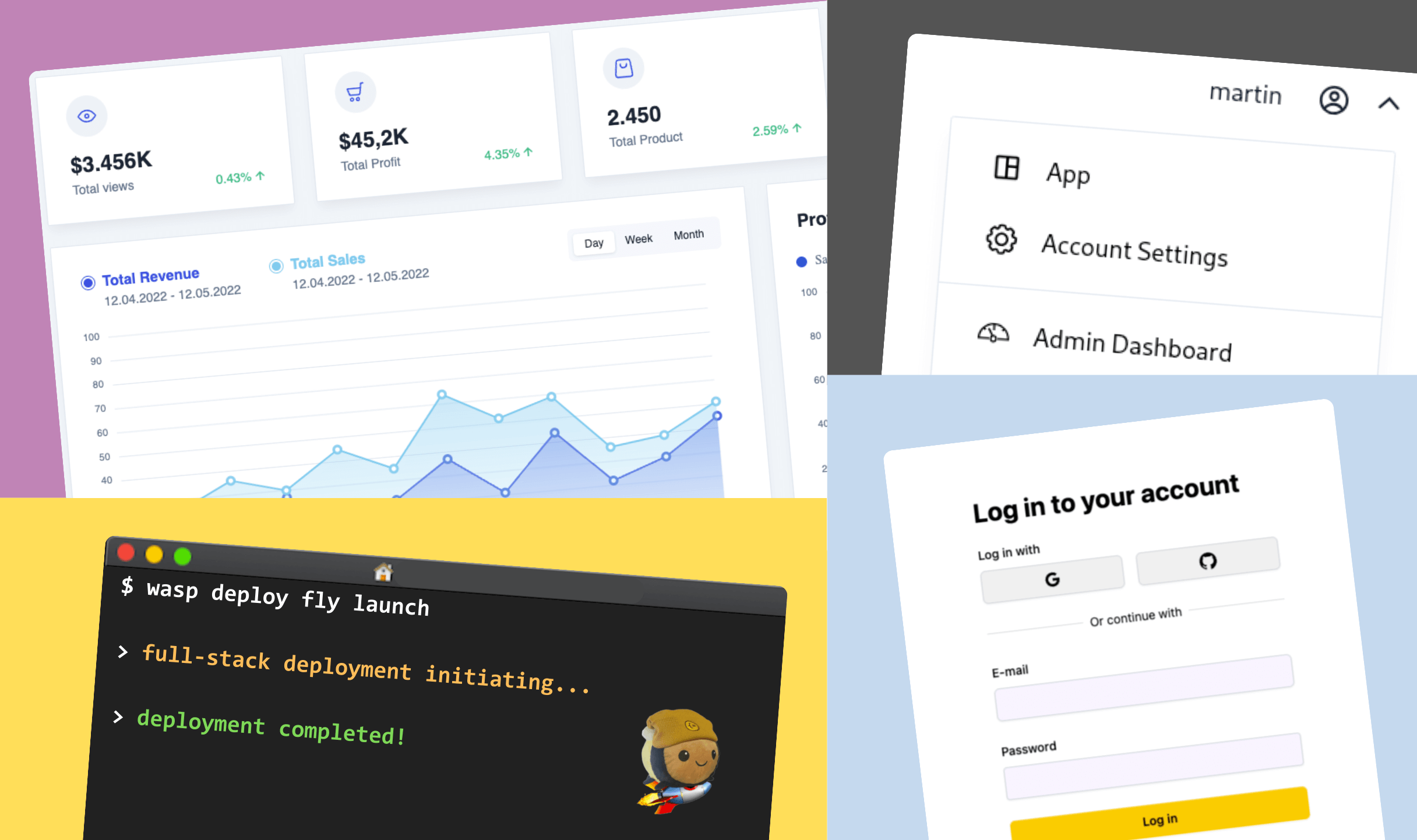
Everything a SaaS needs! Comes with Auth, ChatGPT API, Tailwind, Stripe payments and more. Check out for more details.
**Features:** Stripe Payments, OpenAI GPT API, Google Auth, SendGrid, Tailwind, & Cron Jobs
Use this template:
```
wasp new -t saas
```
### Minimal Template
A minimal starter template that features just a single page. Perfect for starting from scratch with the bare essentials.
Use this template:
```
wasp new -t minimal
```