How To Build A SaaS with AI. Without Getting Stuck.

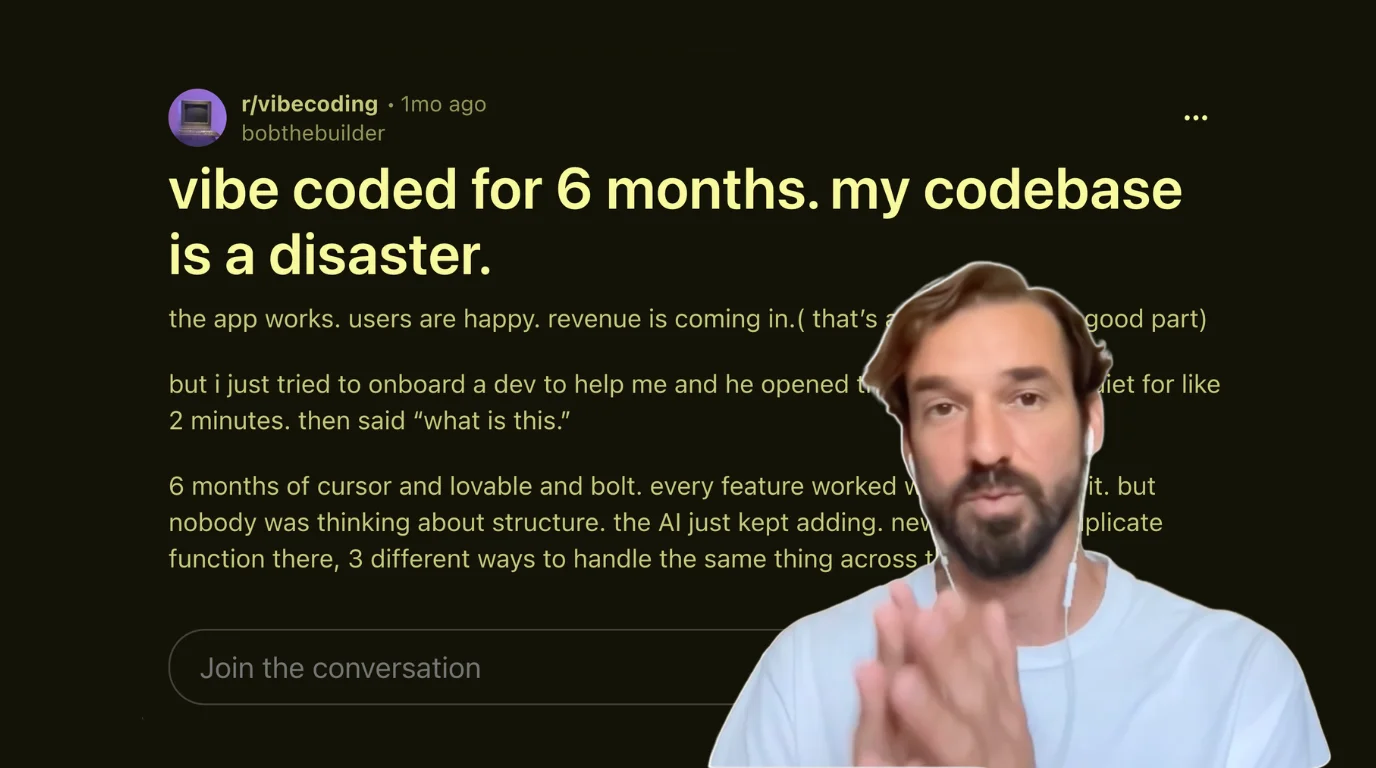
Someone on r/vibecoding posted something last week that I've been thinking a lot about. His post is titled: "vibe coded for 6 months. my codebase is a disaster."
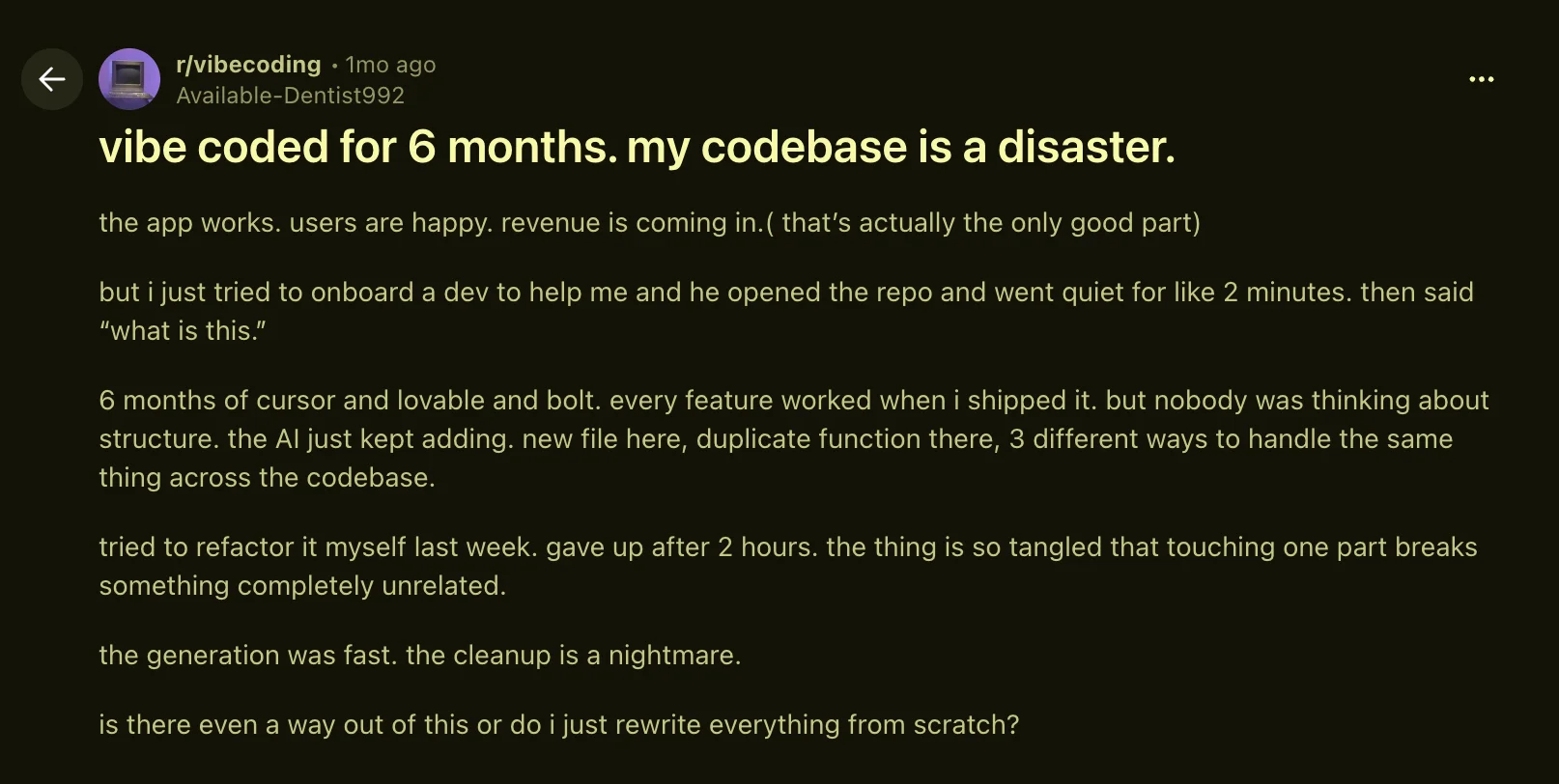
Interestingly, he was able to build a functioning SaaS with paying customers, but he encountered endless problems whenever he tried to modify the app in any way.
So he tried to onboard a developer to help him. The dev opened the repo, went quiet for two minutes, and said: "what is this."
Six months of prompting led to a Frankenstein's monster of a codebase that is such a tangled mess, he's probably better off starting over from scratch. In his words, "nobody was thinking about structure. the AI just kept adding. new file here, duplicate function there, 3 different ways to handle the same thing across the codebase."
As the creator and maintainer of Open SaaS, I get a lot of people asking for help when building a SaaS with AI. And they get stuck for the same handful of reasons. Usually one of two ways: the first 70% comes together almost too easily and the last 30% becomes next to impossible, or you ship something that works, but you lack any understanding of what you built (like the redditor above), and therefore don't understand what you need to do to modify, extend, or improve your app.
So, with that in mind, let's look at some of my favorite ways you can avoid these problems, build something you understand, and stay in control.
📺 Prefer to watch? I walk through all five of these workflow tips with live demos in this video.
TL;DR
The way out of a tangled, vibe-coded SaaS isn't to throw it all away and start over, rather it's a process that allows you to stay in control. AI is a great builder but you need to stay in charge of the decision making and understand the implementation process to avoid bigger problems down the line. Here are five tips that help you stay the architect:
- Give your agent rails to run on — start on a solid SaaS boilerplate (like Open SaaS) and feed it official, AI-friendly docs (
llms.txt) via memory and skill files. - Converse, don't command — don't open with "build me X." Have the agent interview you (clarify-first) and brainstorm options with pros and cons before it writes any code.
- Understand the systems you're building on — you don't need to read every line of code, but you do need to know what a database, a payments provider, etc. actually do, so you can debug and ask the right questions.
- Build in vertical slices — ship thin, working slices that touch the whole stack (UI → database), one small testable milestone at a time, instead of half-finished layers.
- Verify each slice before moving on — test every milestone as you build so small problems surface early, not six months from now.
The good news and the bad news
I won't oversell it. These five tips don't magically make your agent perform better for you without you having to put in some work.
The bad news is: it's still hard work.
The good news is: it's a lot easier than it used to be (and you don't need to know how to code to launch a SaaS this way).
If you're willing to understand some core concepts, and be patient and persistent, you'll definitely be able to build your idea, overcome issues, and get it launched.
So let's get into it.
The root cause: you let AI be the architect
Here's the one mistake underneath all the others. "Nobody was thinking about structure. The AI just kept adding."
AI can be an incredible builder and a terrible architect at the same time. It optimizes for "make this work right now," not "keep this coherent over months." And it's so good at the building part that it's easy to get lazy and quietly hand over the architect role, or in some cases not think deeply about the architecture planning to begin with. Don't do this.
Your job is to be the architect and stay the architect. To do this, you need to work with your agent to plan every step of the process and implement things in a methodical manner. Everything below is a concrete way to make that happen.
1. Give your agent rails to run on
When you're building software, there are a million ways to achieve the same thing. Rather than letting your agent guess at every turn, give it a predetermined path to follow.
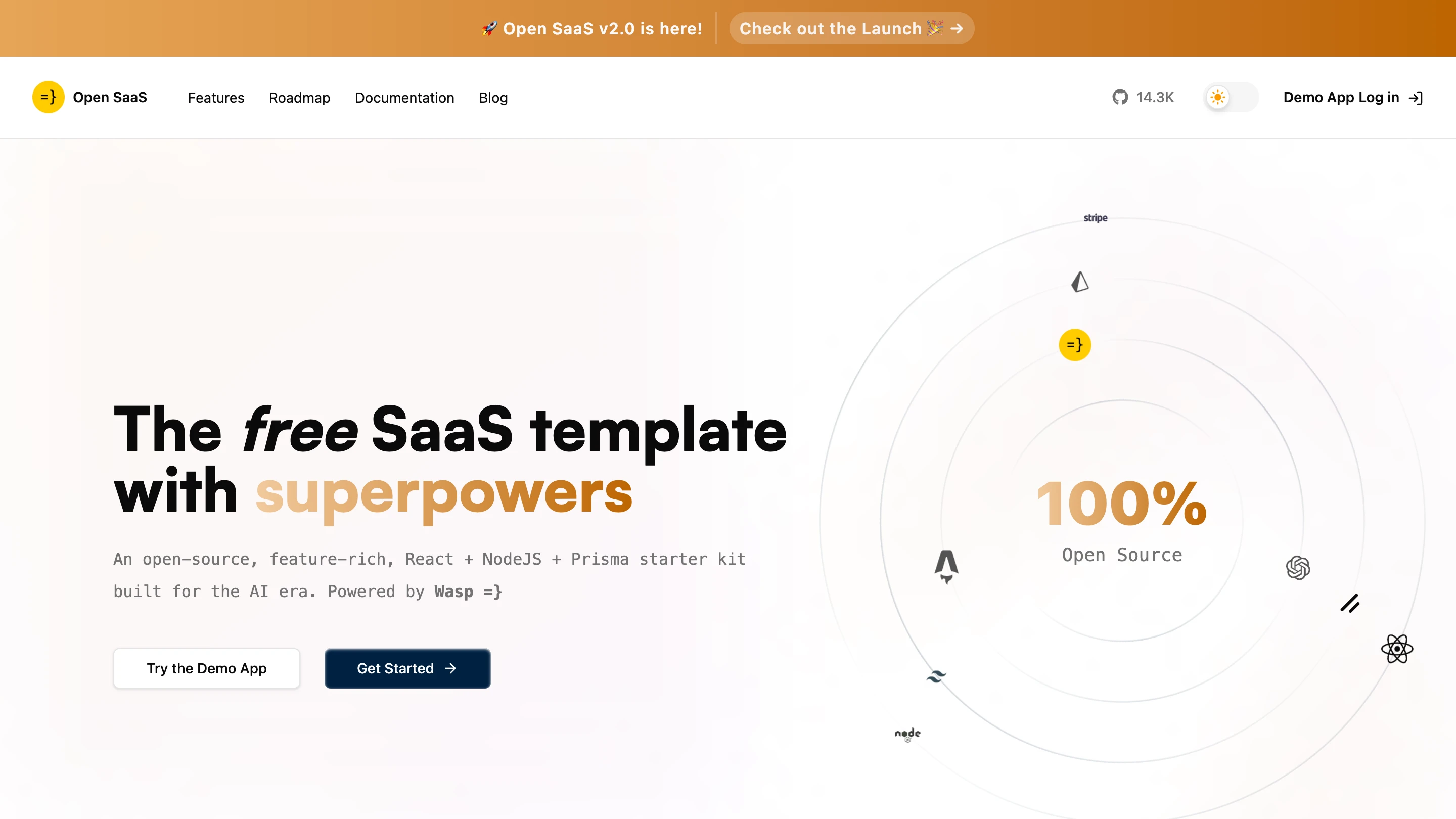
The simplest way is to start on a solid boilerplate. A SaaS starter has the generic pieces (auth, payments, emails, jobs) already decided and wired up, so you just add your unique feature set. It also gives the agent patterns to imitate: it can look at how payments were wired up and slot your new feature in the same way, instead of inventing a third way to do it.
There are great options out there. ShipFast and SuperStarter are popular paid ones (around $300 each). Open SaaS is free and open source, has had people contributing to and hardening it for years, and is the most popular SaaS starter on GitHub with 14,500+ stars. Whichever you pick, you can't really go wrong as they all give your agent good code rails to work within.
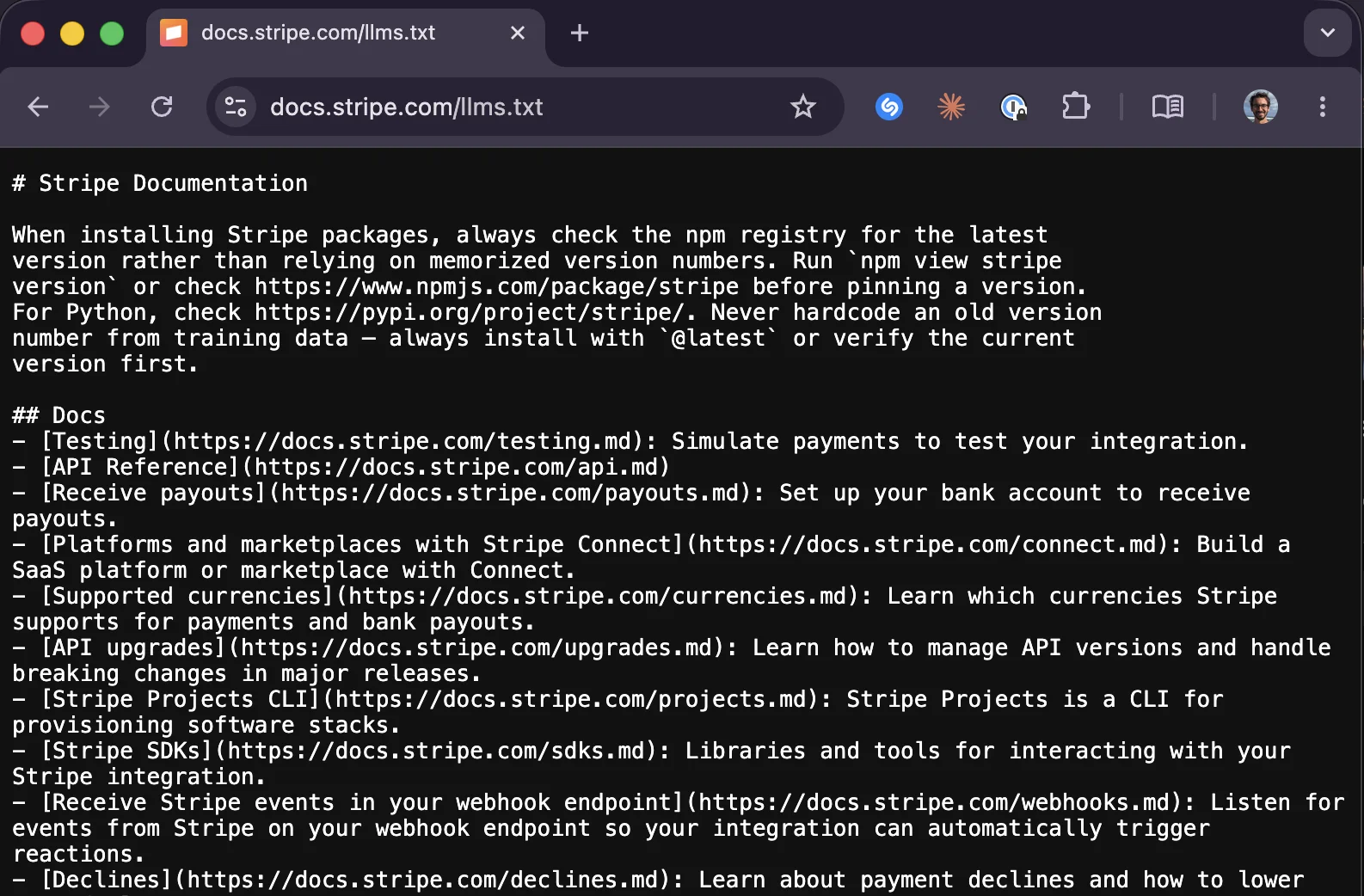
The second set of rails is knowledge rails: always feed the agent the official, up-to-date docs of the tools you're using. Human docs are full of HTML and JavaScript fluff that eats your agent's context and buries the part that matters. That's why a lot of tools now publish an llms.txt which is a raw, AI-friendly version of their docs.
You don't want to paste those URLs in by hand every time, so put them where the agent will actually see them: memory files (AGENTS.md / CLAUDE.md) and skill files. Open SaaS ships with a short memory file that tells the agent where to find its llms.txt docs. For everything else, I keep a FetchDocs skill that holds the correct llms.txt URL for each tool, so the agent fetches the exact up-to-date guide it needs for the task at hand.
2. Converse, don't command
The biggest prompting mistake people make is starting a fresh session with "build me X." You're the architect, but you might not yet know exactly what you want or the best way to build it. The good news is that the agent probably knows strategies you've never touched.
So have a conversation. Think of it as talking to a really smart, really patient friend who knows everything about software engineering and product development.
Here are two prompt types that I use all the time and that do most of the heavy lifting for me:
- Clarify-first: tell it your idea and have it interview you until you both reach a complete, shared understanding. ("I'd like to add a chatbot feature — ask me any questions you have so we reach a mutual understanding before moving forward.") It'll ask who it's for, which LLM provider, floating widget or dedicated page, whether to persist conversations — and you answer until the fog clears.
- Brainstorm with pros and cons: when you don't know your options, ask for several variations with their tradeoffs. ("Give me three implementation strategies with pros and cons, and we'll decide before building.") Three to five is usually the sweet spot, and the agent will even flag its own recommendation so you can weigh it against your constraints (like a budget you don't want to blow).
The point is to stop, take a step back, and not command right away. By commanding, you create an app that's a complete, tangled mess like the one from the reddit post above, because the agent will perform whatever request you give it, and that request might be a bad one.
By having a conversation with your agent, it will help you decide what the best course of action is. And when you decide, you have a better understanding of what's going on, and where things go wrong when they do.
3. Understand the systems you're building on
A SaaS is just a bunch of existing tools pieced together in a creative way to solve a problem. You don't need to read every line of code, but you do need to understand the things being pieced together, like what a database is, how your payments provider is pieced together, and how the other pieces generally work.
That understanding is what lets you debug and ask the right questions when something breaks, instead of flailing in the wrong direction. A great move you can use along with your SaaS boilerplate starter is to ask your agent e.g.: fetch the llms.txt docs from Stripe and explain at a high level how payments work in my current codebase. Using your SaaS starter code to explain the concepts is the best way to learn. You can even start at a very high level (e.g. "explain like I'm five") before going deeper.
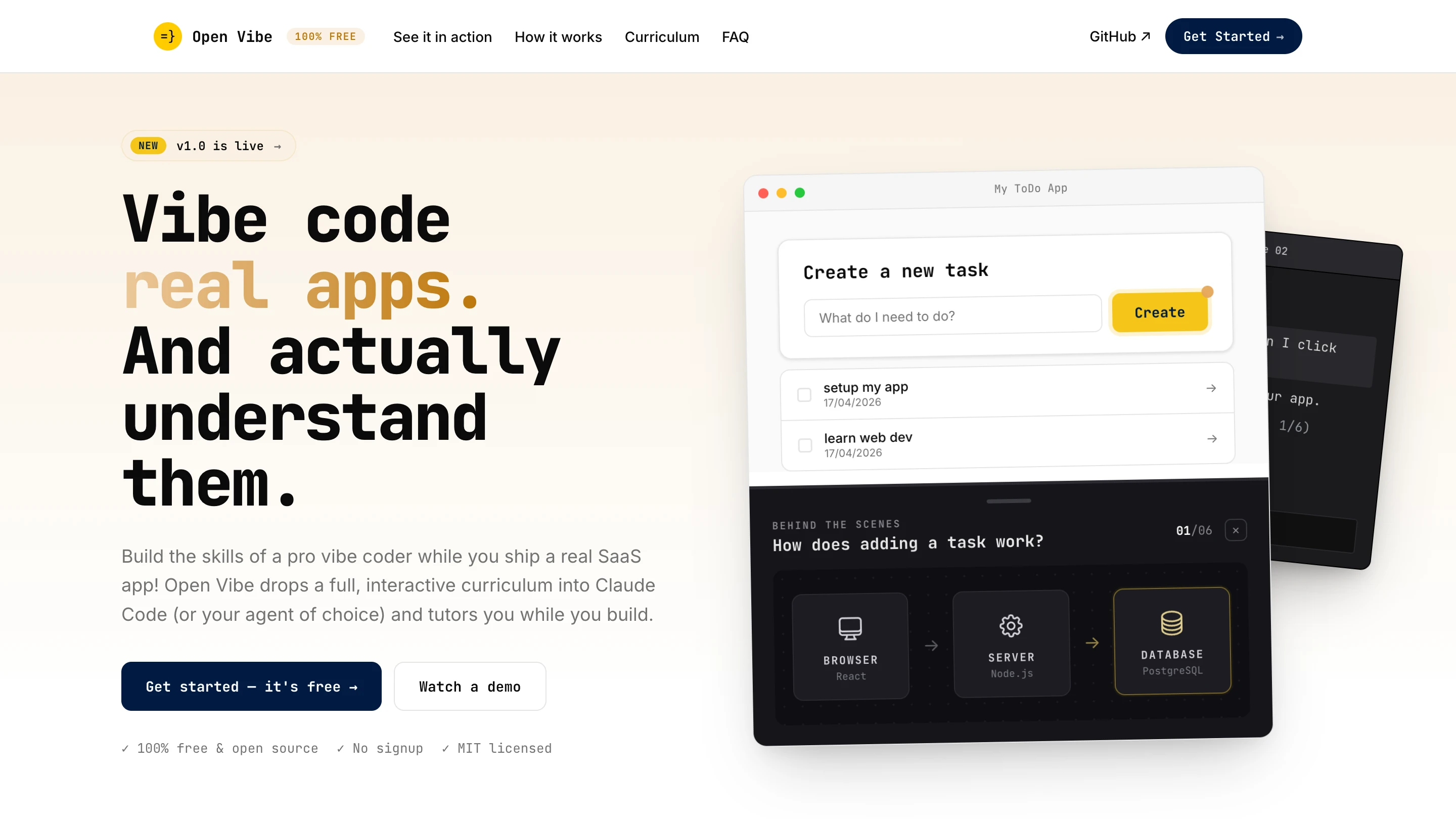
If that whole learning curve feels overwhelming and you want your hand held through it, I'm building Open Vibe, a free, open-source curriculum that lives inside your agent, set up on top of Open SaaS, and tutors you on the fundamentals while you build.
4. Build in vertical slices
This is probably my favorite approach, and is the direct antidote to "the AI just kept adding." Instead of building half-finished layers, build thin, working slices that touch the whole stack, from the UI in the browser down to the database, so the feature actually does something at every step.
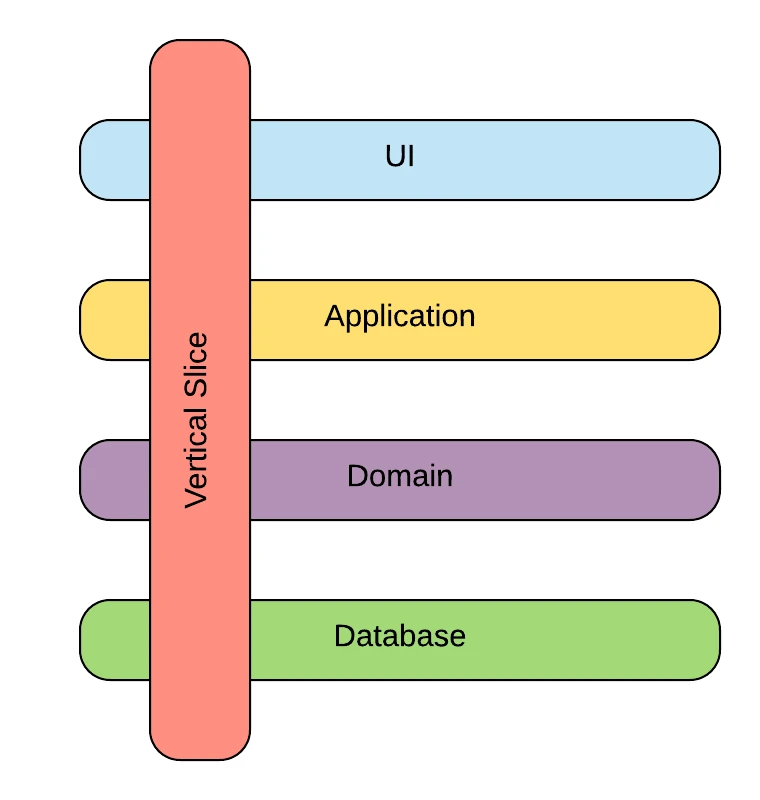
Say I want to make a generated schedule shareable in the planner app I'm building. I wouldn't say "make it shareable and build it." Instead, I'd ask the agent to design a feature plan with small milestones, one goal each, using a vertical slice approach.
As a result, we get a plan that we can get the agent to implement in small steps, and test that each small addition works before moving on, rather than implementing all the parts of a new feature in one shot and hoping that it works (or that we can debug it easily).
Such a plan for our sharing feature might look something like this:
- Read a schedule by its ID at a public URL. Go to
/schedule/<id>, see the schedule. Testable on its own. - Add a share button plus the small bit of data handling behind it.
- Add a share token and the rest of the hardening.
- ...
Each milestone is testable, vertically sliced, and has exactly one goal. Again, the complexity builds up in steps you can verify instead of one big leap.
Once the agent designs a plan you're happy with, save the plan to a file (schedule-sharing-implementation-plan.md) so you can reference it later in the chat, e.g.: "reference @schedule-sharing-implementation-plan.md and build milestone two."
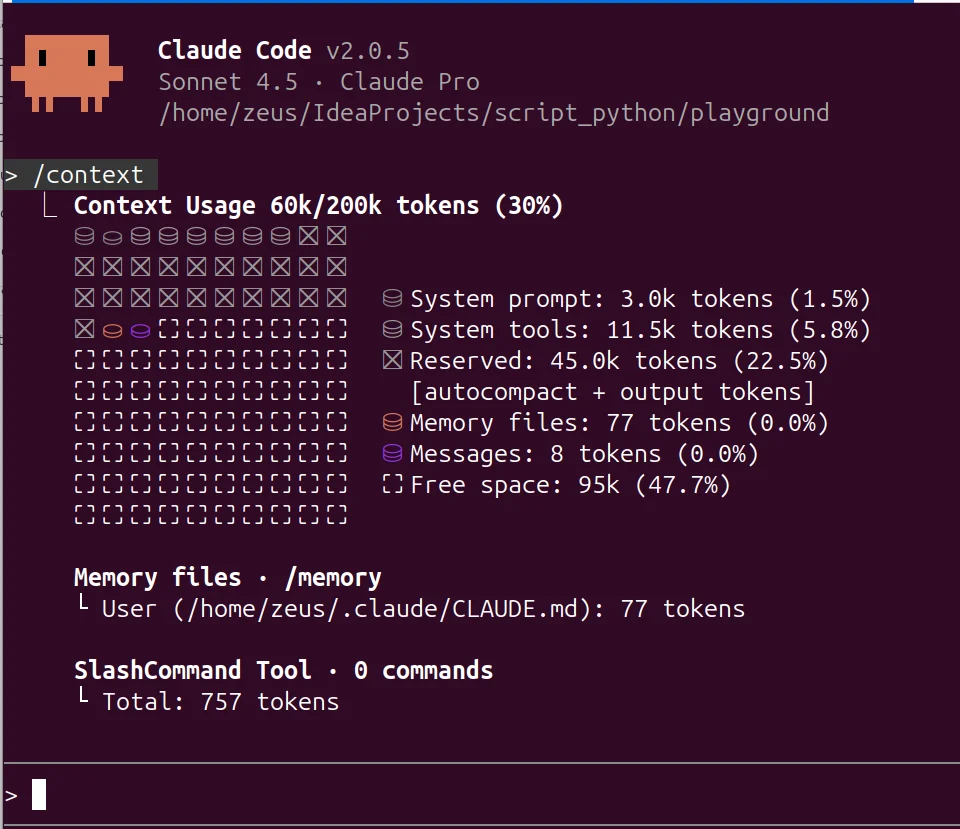
That file is also a great context-management trick. Remember, agents don't have memory, only the context of the current session, and performance degrades as that context fills up. So I treat each milestone as a fresh session and /clear or /compact the conversation before moving on to the next milestone.
After clearing or starting a new session, I point the agent back at the implementation plan, and move on to the next milestone with a clean slate.
5. Verify each slice before moving on
Vertical slices are only worth it if you actually test each one. It's better to surface small issues now, instead of six months from now like our poor protagonist in this story.
You can do it the "manual way", which is when something fails, copy the error, paste it into your agent with a bit of context, and let it fix it. Agents are surprisingly good at this. But hopping between terminal windows gets tedious, and some bugs are stubborn.
So hand the loop to the agent. One great tool is Claude Code's run-skill-generator. It's a skill that comes with Claude and it learns how to start your specific app within a running session and saves it as a custom reusable skill (e.g. /run-mysaasapp). You (or your agent) can run this skill and it essentially gives the agent "eyes" to see your client and server code, along with their respective logs.
With this run skill in hand, you can just say something like run my saas app and fix the issue. It will start the app with your /run-mysaasapp skill, read the server logs, drive the browser like a human would, find the error, fix it, and confirm it's running, completely hands-off.
The way out
By staying the architect, and providing your agent with good structure and process, you can avoid most of the problems that plague builders trying to create their SaaS idea with AI.
I walk through all five of these with live demos (e.g. fetching llms.txt docs, the clarify-and-brainstorm prompts, the vertical-slice plan, and the agent fixing its own startup error) in the video:
▶️ How To Build A SaaS with AI. Without Getting Stuck.
And if you want the rails to start on:
- Open SaaS (free, open source, 14.5k+★): opensaas.sh
- Docs: docs.opensaas.sh
- Discord (come say hi, we're happy to help): discord.gg/rzdnErX